
Billing by voice for Indian shops
Speak. The bill is ready.
Hold the mic and say what the customer is buying, in Bengali, Hindi or English. VoiceBill writes the bill, adds it up and reads it back to you.
Android app · Android 7 or newer
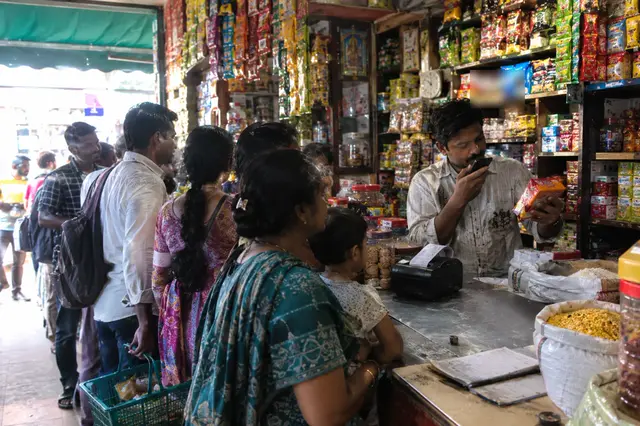
Animation: the shopkeeper holds the mic and says the order. The phone shows the items and the total, and reads the bill back. “2 kg rice, 1 packet salt and half kg sugar”: 2 kg Rice ₹100.00; 1 packet Salt ₹20.00; 0.5 kg Sugar ₹22.50; Grand Total ₹142.50.
See how VoiceBill works
Speak the order, get the bill, send it on WhatsApp: the whole idea in one short film.
1:27 · with sound · loads only when you tap play (up to 3.8 MB)
Voice billing
Bill in your own language
Say it the way you say it at the counter. VoiceBill understands Bengali, Hindi and English.
- Half kilo, 250 g, পোয়া / पाव, dozen — all understood.
- Say an amount: “₹20 worth of tea” gives the right weight.
- See the items before they go into the bill. Tap one to fix it.
- Say “remove sugar” to take it off. Changed your mind? Undo.
- A new word? Pick the product once — it remembers.
Animation: an order said in Bengali, Hindi or English goes into the bill, even when the products are named in another language.
Small things that save time
Five short examples: 250 g and dozen, an amount in rupees, a spoken remove with Undo, a new word learned, and ⌫ deleting one word.
Want this at your counter? Message us. We'll answer in your language.
Contact on WhatsAppTry it yourself
Bill a sample shop right here
Hold the mic and speak, or tap an example. It runs the same billing code as the app, on a sample kirana shop.
Sample shop: rice, atta, dal, sugar, salt, oil, tea, spices, biscuits, soap and more.
In the app, your own products and prices are used.
Hold to talk
Hold the mic, speak, then let go
To turn speech into text, your browser uses its own speech service (Google in Chrome, Apple in Safari). Where it can't do Bengali or Hindi, the recording goes to Cloudflare, this site's host, instead. Nothing is saved.
This browser can't take voice. Tap an example or type instead.
Tap an example
The bill is empty. Speak or tap an example.
Snap-to-Sell
Show the pack. It finds the product.
Point the phone's camera at a pack. VoiceBill shows the closest products from your list — tap the right one.
- Looks at the picture, and reads the weight and MRP printed on the pack.
- Learns from your corrections.
- Saved a barcode for a product? That pack goes straight into the bill.
- Works offline, in the Android app.
Works best in the Android app.
Animation: the camera points at a pack of atta. Three similar products are shown, the weight and MRP read from the pack pick the right one, and it is added. A barcode pack is added straight away.
- 1Snap the pack
- 2Match the picture
- 3Read the pack
- 4Tap to bill
Khata
Udhaar without the notebook
Give credit, take part payments and see who owes what — right from the bill.
- Mark a bill as Udhaar or Part paid. It goes into that customer's khata.
- Every customer's balance in one list.
- Record payments as they come in.
- Send a polite reminder on WhatsApp in one tap.
Animation: a bill is saved as udhaar for a customer, the balance goes up, a payment brings it down, and a WhatsApp reminder is sent.
UPI
UPI QR on every bill
Your own UPI QR, with the exact amount, is on the bill. The customer scans it with any UPI app.
- Add your UPI ID once.
- The QR already has the bill amount in it.
- Share the bill on WhatsApp too.
Animation: a bill with a UPI QR code for the total. The QR shown here is a sample and cannot be paid.
Shop types
Made for your kind of shop
Pick your shop type when you start. VoiceBill sets up sample products and the right units.
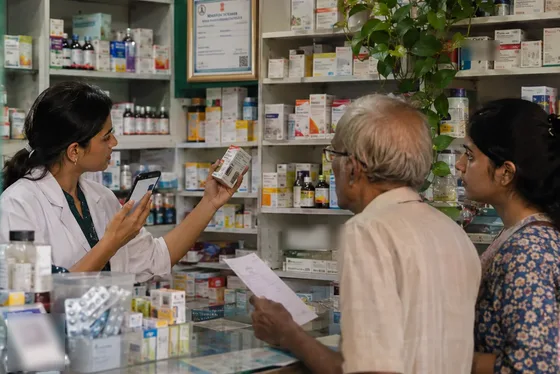
Tap a shop to see its trick
Animation: each shop type shows its own example — loose goods by weight, size buttons, an expired medicine warning, a serial number with warranty, plates and glasses.
Reports
Your shop at a glance
See today's sales and profit, or the last 7 or 30 days.
- Best-selling and most profitable items.
- Low stock and expiry alerts.
- Add expenses — rent, electricity, staff — and see the real profit.
Animation: a week of sales and profit as bars, the best-selling items, low stock and expiry alerts, and expenses taken off to show net profit. The numbers are samples.
Sample numbers
Offline
Works without internet
No signal in the market? Keep billing.
- Billing, khata, products and reports work offline.
- Photo recognition works offline in the Android app.
- Set up once with internet and a Google account. After that, bills are saved on the phone and copied to the cloud when there's internet.
- Voice may need internet, depending on your phone.
Animation: Wi-Fi and mobile data go off, and billing carries on. The bill is saved on the phone.
Backup
Your data in one backup file
Make a backup file and keep it somewhere safe. Restore it on a new phone.
- Products, bills, khata and settings go into one file.
- Send it to yourself on WhatsApp, or keep it on a drive or pen drive.
- Product photos are not in the file yet — take them again on the new phone.
Animation: a backup file is saved and shared, then restored on a new phone with products, bills, khata and settings. Photos are taken again.
Start in 3 steps
Message us on WhatsApp
Tell us your shop type. We'll answer your questions and send you the app.
Contact on WhatsAppInstall it on your Android phone
Android 7 or newer. There is no iPhone app.
Sign in and choose your shop type
Sign in with your Google account (needs internet once). Sample products are ready: change names and prices to yours and start billing.
Questions
Does it need internet?
The first setup needs internet and a Google account. After that, billing, khata, products and reports work without internet, and changes go to the cloud when you're back online. Voice may need internet, depending on your phone.
Which phones does it work on?
Android phones with Android 7 or newer. There is no iPhone app.
Which languages can I speak?
Bengali, Hindi and English. Many screens show English with your language next to it.
Do I need a printer?
No. Share the bill on WhatsApp, or show the UPI QR on the screen.
Is my data safe?
Bills and khata are saved on your phone and copied to your shop's cloud copy on our server (Cloudflare), linked to your Google account. Only phones signed in with that account get it, and you can sign out every phone at once if one is lost. You can also keep a backup file off the phone.